Loading the post from X…
This post can't be shown here. It may have been deleted, or your browser blocked X.Open on X ↗
Product Promo Motion
@rossaxbt·Oct 12, 2026·Claude Opus 5.5
<inputs>
Ask me for: one question a user asks my product and its one-line answer, two album covers, a royalty-free song around 110 BPM with a quiet intro and a hard drop (Mixkit, free for commercial use), and my logo for the ending. If I skip anything, use these defaults: "is this all code?" / "yes. every frame.", two atmospheric photos, and Mixkit "Head Bang".
</inputs>

<direction>
A 22-second square loop, 1440x1440 at 60fps. 2D only, one continuous take. Nothing cuts: each scene grows from the one before it, and every gesture carries the camera into the next space. Each morph takes 0.8s on cubic-bezier(.45,0,.15,1). The camera zoom follows the same curve, making the shape changes feel almost invisible. Content dissolves during the second half of each glide. One gesture per scene.

Look: a warm light stage (#f3f3f0 to #e3e3de), black UI, and a dark app world (#121212) tinted by the current album cover. Use one green accent (#1ed760), Geist for UI, the real macOS pointer, and soft layered shadows that grow as shapes lift.

Banned: hard cuts, bouncy springs, particles, glows, zooming in and immediately back out, holds longer than 1s, anything that feels like a template.
</direction>

<structure>
Follow the song's beats. The press lands on the drop.

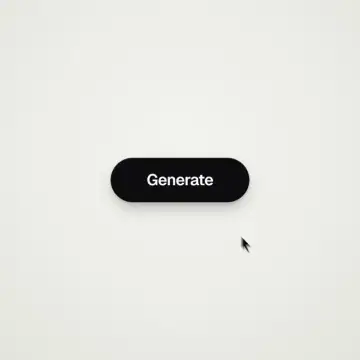
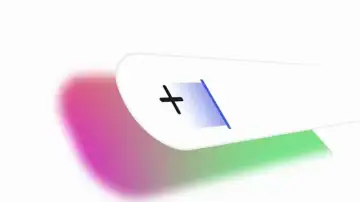
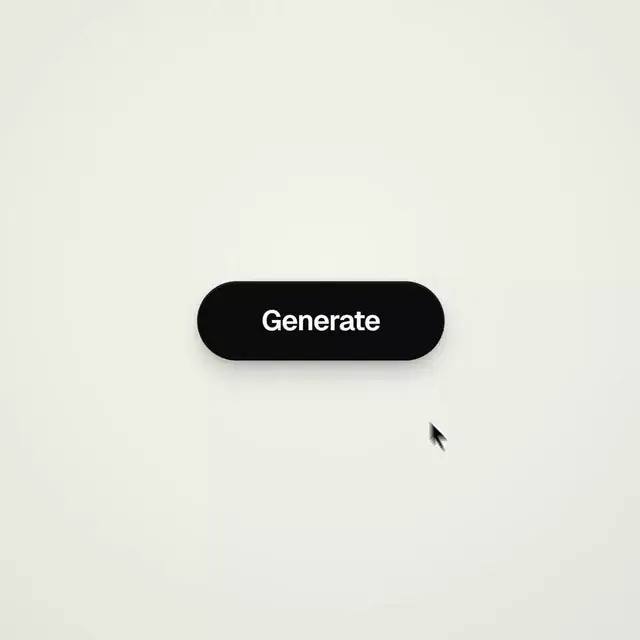
Generate: the cursor clicks. The pill glides into a spinner, then becomes a check.

Chat: the check splits into three typing dots with goo. The left dot flies up, becomes the question bubble and types the question. The right dot flies down into the reply. Both bubbles shrink back into dots as they glide toward the center and merge with the middle dot.

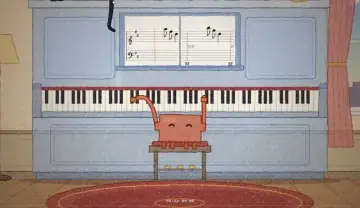
Play: the middle dot bends into a play triangle, one point at a time. The cursor presses it on the drop. A white button appears under the click as the dark app floods the frame around it, leaving the white shape as the play button. The camera pulls back to reveal the full now-playing screen: large cover, title, heart (liked, filling green), progress bar, controls and volume.

Swipe: the cursor drags the cover sideways. The next track slides in, and the app changes its tint to match the new cover.

Drag: the camera glides toward the volume slider. The cursor pulls it to max and keeps going. The bar rubber-bands, dragging the camera sideways out of the app and onto a dark dotted canvas while the camera follows the knob.

Chart: the line lands and curves upward into a green chart as the number counts up. The volume knob becomes the chart's final point.

Dive: the cursor clicks that point. The camera dives into it until the light stage fills the frame.

Ending: an "Ask [my product]" button grows from the light, narrows into a line, then fans out into my logo (default: the Claude spark, with six copies rotating into twelve rays in Claude orange). Hold for 2s.
Listed in yihui-dev/awesome-opus5-5-videos. The film and prompt belong to @rossaxbt. Request a change