How to Make a Logo Animation with Claude Opus (Free Prompt)
·7 min read·Video made with Claude Opus 5.5
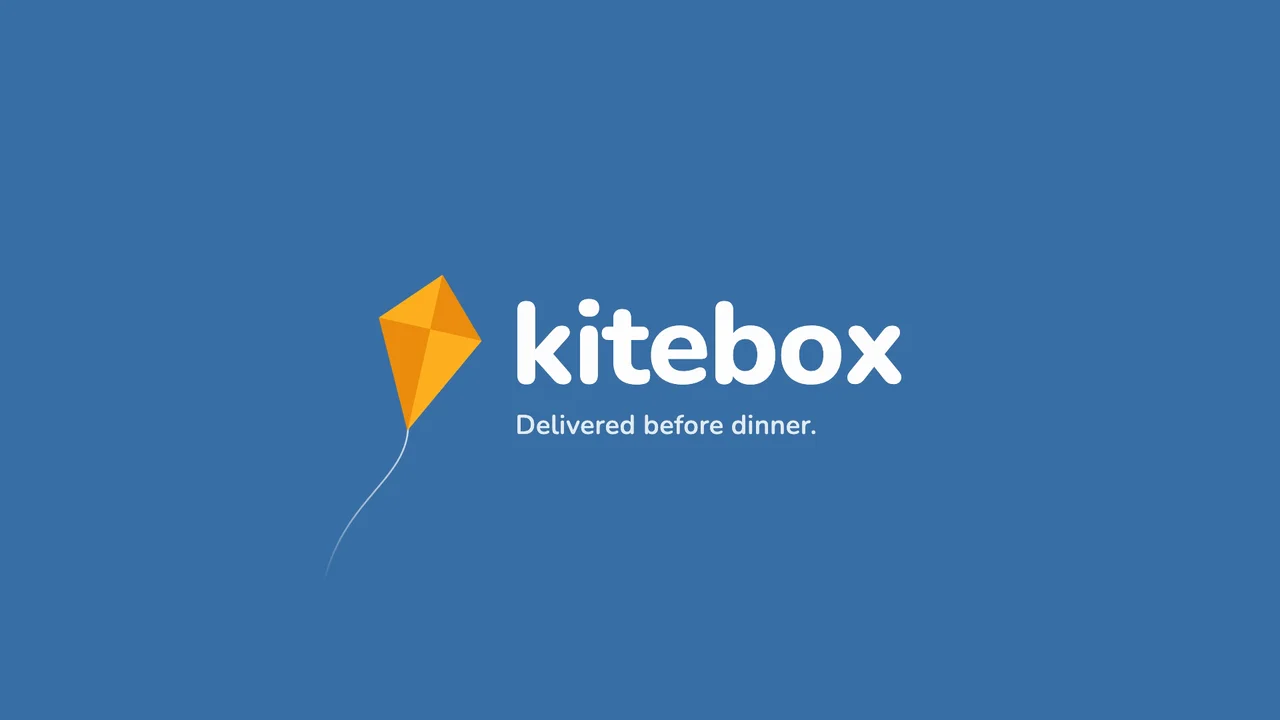
Claude Opus 5.5 made this 8-second logo animation for Kitebox, a made-up delivery company, from a single prompt. It drew the kite, animated it with real motion blur and composed the sound logo, all in code, then rendered an MP4 plus a transparent ProRes file you can drop over any footage. Here's the exact prompt, so you can animate your own logo.
Make an 8-second logo animation for a brand, written entirely in code.

BRAND
Name: Kitebox
What it is: a same-day delivery service for small shops
Mark: a kite made of four triangles in two shades of the accent colour, tilted slightly to the right, with a thin string trailing from its bottom corner
Wordmark: "kitebox" in lowercase, in a bold, rounded geometric sans-serif, to the right of the mark
Colours: deep navy background (#0F1B2D), warm yellow accent (#FFB020), white text
Tagline: "Delivered before dinner."

STRUCTURE (1920×1080, 30 fps, 8 seconds)
0–1.5 s: The four triangles fly in from the corners of the frame, spinning, and lock together into the kite with a snap.
1.5–3 s: The kite bobs once, as if caught by the wind, and the string draws itself.
3–5 s: The wordmark slides out from behind the mark, letter by letter.
5–6.5 s: The tagline fades up underneath.
6.5–8 s: Hold on the finished logo, with the kite drifting very slightly.

MOTION
Every arrival overshoots a little and settles, like a spring, but nothing wobbles like jelly. Add motion blur to the fast moves. Keep it centred and balanced, with plenty of empty space around the logo.

SOUND
Design a short sonic logo in code: a whoosh for each triangle, a crisp click when they lock together, and a warm three-note chime that resolves as the wordmark lands. It should be quiet and finished by the end.

OUTPUT
Draw everything in code, with no image files and no audio samples (embedding a font file is fine). Build it as one self-contained HTML file driven by a frame number rather than a real-time clock, so every frame is deterministic. Render every frame with headless Chrome, render the sound to WAV, and encode an H.264 MP4 with AAC audio using ffmpeg. Also export a version with a transparent background as a ProRes 4444 .mov without sound, so the logo can be placed over other footage, and a PNG of the finished logo.
We ran this prompt once, in a fresh Claude Code session with Claude Opus 5.5, and published what came out. We didn’t edit the video or the code.
What you need
- Claude Code, or any Claude Opus 5.5 setup that can run commands on your computer. Claude writes the animation, then renders it on your machine.
- Google Chrome and ffmpeg. On a Mac,
brew install ffmpegcovers the second one. - About half an hour. Our run took 26 minutes from prompt to finished files, including Claude checking its own frames and fixing two bugs it found.
How to use the prompt
- Rewrite the BRAND block with your name, colours and tagline. Describe your mark in one sentence, in terms of the pieces it’s made of.
- Already have a logo? Attach the SVG and replace the Mark and Wordmark lines with “Use the attached SVG. Keep its exact shapes and colours, and animate its pieces separately.”
- Paste it into Claude Code in an empty folder. Claude writes one HTML file, renders test frames to check them, then renders the final files.
- Preview it in your browser. Claude’s HTML file had a scrub bar and a “Play with sound” button. The preview skips the motion blur, which only appears in the rendered frames.
- Ask for changes in plain words: “make the snap faster”, “a lower chime”, “less space above the logo”. Claude edits the file and renders again.
Why this prompt works
It describes the logo as pieces. You can’t fly in a logo that’s one flat image. “A kite made of four triangles” gives Claude four parts to animate, and the animation is built around them coming together. If your mark is a single shape, describe how it could come apart: its strokes, its layers, or the letters of the wordmark.
It names the motion’s personality. “Overshoots a little and settles, like a spring, but nothing wobbles like jelly” is a precise instruction. Claude used one spring formula for every arrival, tuned to overshoot by about 2 to 3% with no second bounce, which is what makes the motion feel confident rather than cartoonish.
“Add motion blur to the fast moves.” Without blur, fast motion looks like stuttering stills. Claude simulated a real camera shutter: for each frame it draws the scene up to 48 times across half a frame’s worth of time and averages the results, so the spinning triangles streak the way they would on film.
Every beat has a time. At 8 seconds the logo is long enough to read and short enough to open or close any video. The timings let Claude build the sound to match, so the click lands on the exact frame where the triangles lock.
It asks for the files you’ll actually use. The transparent ProRes 4444 version is the line that makes this useful in real work. It drops onto the timeline in Premiere Pro, Final Cut Pro, DaVinci Resolve and After Effects over any footage, with soft blur trails intact.
What Claude built
- One HTML file of about 740 lines of code, with the font embedded. Claude rendered four rounded typefaces side by side (Nunito, Fredoka, Quicksand and Varela Round) and picked Nunito, which is free under the SIL Open Font License.
- The mark: four triangles meeting at the kite’s cross, in the yellow from the prompt and a deeper orange Claude picked as the second shade, tilted 12°. Once they lock, Claude draws a solid kite underneath so no hairline seams show between the pieces.
- The motion: the triangles fly in on curved paths, spinning about one turn each, and lock on frame 37 with a small squash and a flash of light. The kite then bobs and its string draws itself, with each point further down the string following a little later, so the bob ripples along it. As the wordmark comes out from behind the kite, the kite slides left so the finished logo ends up centred.
- The sound, synthesised in the same file. Each triangle’s whoosh is driven by that triangle’s real speed and spin, and panned to where it is on screen. The click has a second, quieter tick 13 milliseconds later, like a latch settling. The chime plays A, E and D as the first, middle and last letters land, over a soft D-major chord, then fades to silence before 8 seconds.
- The files: a 0.5 MB MP4, a 31 MB ProRes 4444 file with a transparent background, the finished logo as a PNG on navy and as a transparent PNG.
Claude checked its work in ways most people wouldn’t think to. It laid the transparent frames over a checkerboard to look for fringes, decoded the MP4 to confirm the background came out as exactly #0F1B2D, re-rendered frames and the sound to confirm they came out byte-for-byte identical, and confirmed that the click starts on frame 37 in both the WAV and the MP4.
What Claude said it would improve
- It couldn’t hear the sound. It judged the mix from levels and loudness measurements instead. The sound logo is deliberately quiet, at -22 LUFS; ask for louder if it will play on its own.
- The lock frame looks doubled. On frame 37 the camera’s shutter is open across the moment the pieces meet, so you see a see-through kite. That’s what real motion blur does, but you can ask for a clean single frame there.
- The blur trails are a touch dark. Claude averaged them in screen colour rather than linear light, so yellow streaks over navy look slightly browner than real film blur would.
- The whooshes overlap. They start 0.15 seconds apart, so you tell them apart by their stereo position and pitch rather than by gaps.
- The transparent version has white text, so it needs dark footage underneath. Ask for a second version with navy text for light backgrounds.
Make it yours
- Your own logo: attach the SVG, as above. Claude can split it into its paths and animate each one.
- A short version: “Also make a 3-second version for the end of short videos, with just the snap and the chime.”
- Vertical, for Reels, TikTok and Stories: change “1920×1080” to “1080×1920” and ask for the wordmark under the mark instead of beside it.
- A different personality: “calm and premium: slow fades, no overshoot, one soft piano note” or “playful: bouncier springs and a cartoon pop”.
- Light and dark versions: ask for both in one go, with the text colour switched.
If something looks off
- Thin lines between the pieces of your mark: ask Claude to draw a solid copy of the shape underneath once the pieces lock.
- Blur that looks like stepped copies: ask for more blur samples on the fastest frames.
- Dark or light edges in the transparent version: ask, “Is the ProRes alpha straight or premultiplied, and does it match how the frames were written?”
- The wrong font in the video: ask Claude to embed the font file in the HTML.
Below are more logo animations from the directory. Most come with the prompt that made them.